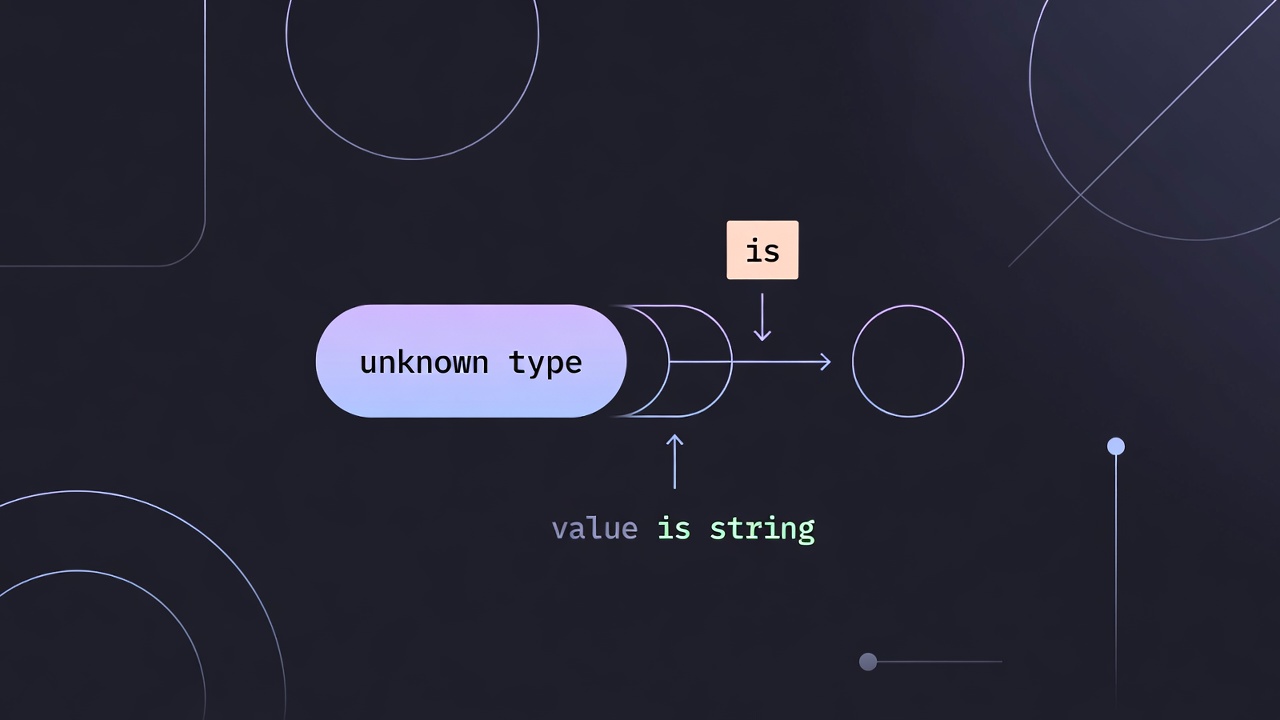
In TypeScript, the is keyword enables type predicates, which allow you to define custom type guards. These guards tell the compiler that when a function returns true, a value conforms to a specific type.
Type predicates are particularly useful when working with user input, API responses, or loosely typed data, where static analysis alone is not sufficient. They let you replace unsafe type assertions (as) with runtime-verified checks that TypeScript understands.
Step-by-Step Guide to Using Type Predicates
-
Define the Predicate Function Declare a function with a return type in the format:
parameterName is TypeThis signals to TypeScript that a
trueresult guarantees the type. -
Implement Runtime Logic Perform runtime checks inside the function to validate the type. This may include:
- property checks (
in) typeofinstanceof- discriminant comparisons
- property checks (
-
Apply the Guard Use the function in conditionals (
if,switch) or array methods like.filter(). Within thetruebranch, TypeScript narrows the type automatically.
Example: Validating Object Keys
const themeColors = {
  primary: "#007bff",
  secondary: "#6c757d",
} as const;

function isValidColorKey(key: string): key is keyof typeof themeColors {
  return key in themeColors;
}

const input = "primary";

if (isValidColorKey(input)) {
  // 'input' is narrowed to "primary" | "secondary"
  console.log(themeColors[input]);
}
Why this approach?
key in themeColorsavoids the type widening issues ofObject.keys()- It is more efficient at runtime
- It aligns with TypeScript’s structural typing model
Example: Narrowing Union Types
A more common real-world use case is narrowing union types:
type Shape =
  | { type: "circle"; radius: number }
  | { type: "square"; size: number };

function isCircle(shape: Shape): shape is Extract<Shape, { type: "circle" }> {
  return shape.type === "circle";
}

function getArea(shape: Shape) {
  if (isCircle(shape)) {
    return Math.PI * shape.radius ** 2;
  }

  return shape.size ** 2;
}
This pattern is especially useful when:
- working with complex unions
- encapsulating reusable narrowing logic
- simplifying conditional branches
Using Type Predicates with .filter()
Type predicates are highly effective with array filtering:
const values = [1, null, 2, undefined, 3];

function isNumber(value: number | null | undefined): value is number {
  return value != null;
}

const numbers = values.filter(isNumber);
// inferred as number[]
Without a type predicate, TypeScript would not correctly infer the filtered result.
When You Don’t Need is
Type predicates are powerful, but not always necessary.
If you’re working with a discriminated union, TypeScript can often narrow types automatically:
if (shape.type === "circle") {
  // already narrowed to circle
}
Use custom type predicates when:
- narrowing logic is reused
- the check is non-trivial
- TypeScript cannot infer the narrowing on its own
Important Considerations
- TypeScript Trusts You
The compiler does not verify your logic. If your predicate returns
trueincorrectly, TypeScript will still narrow the type, which can lead to runtime errors. - Prefer Runtime-Accurate Checks
Ensure your checks reflect actual runtime behavior (
in,typeof, etc.), not just what “seems correct.” - Best Use Cases
- narrowing
unknownorany - refining API responses
- filtering nullable values
- handling complex unions
- narrowing
Advanced: Assertion Functions
In some cases, you may want to enforce correctness instead of branching:
function assertIsString(value: unknown): asserts value is string {
  if (typeof value !== "string") {
    throw new Error("Not a string");
  }
}
Unlike type predicates:
is→ narrows within a conditionalasserts→ throws or guarantees the type afterward